
The iPhone 13 in 2025 is still a good device. In fact, it’s arguably the most timeless and iconic iPhone made in the past decade (our article on “is the iPhone 13 still good in 2025” covers this in more depth).
Regardless of how iconic the iPhone 13 is, it’s now four generations old, slower, and missing the latest features found on the iPhone 17. With technology, there comes a time to let go and upgrade. Whether you’re ready to switch to a newer model or just want extra cash, selling your iPhone 13 the right way can make a big difference.
That said, resale prices vary depending on which model you own (iPhone 13, iPhone 13 Mini, iPhone 13 Pro, or iPhone 13 Pro Max), its condition, and where you sell it.
So in this article, I’m going to tell you:
- Steps to prepare your iPhone 13, iPhone 13 Mini, iPhone 13 Pro and iPhone 13 Pro Max for sale
- Best place to sell your iPhone 13 for the most money
- Tips to increase your iPhone 13’s resale value
- Common mistakes to avoid when selling iPhone 13
Prepare Your iPhone 13 for Sale
Sale prep is very important, so important that how you prepare your iPhone 13 for sale directly influences how well your iPhone 13 sells and how much you get for it. So here’s how to prepare your iPhone 13 for sale.
1. Confirm Your Device Details
Before listing your iPhone 13, confirm its exact details — model, storage, unlock status, and IMEI number.
- Model: Go to Settings > General > About and check Model Name.
- IMEI: Scroll down on the same page to find your IMEI number.
- Unlock Status: Go to Settings > General > About > Network Provider Lock. If it says “No SIM restrictions,” your iPhone 13 is unlocked — which usually means a higher resale value.
2. Evaluate the iPhone’s Condition
Inspect your iPhone 13 carefully to understand its current state.
- Check for scratches, dents, or cracks on the body and screen.
- Test buttons, speakers, cameras, and battery performance.
- You can also use a diagnostic app like iDiagnosis to check internal health.
Being upfront about your phone’s condition builds buyer trust, avoids disputes, and helps you sell faster.
3. Back Up Your Data
Keep your data safe before wiping your phone.
- iCloud: Settings > [Your Name] > iCloud > iCloud Backup > Back Up Now.
- Computer: Use Finder (Mac) or iTunes (Windows) to create a full backup.
This ensures you don’t lose important files, photos, or messages when resetting your iPhone 13.
4. Sign Out of All Accounts
To avoid Activation Lock issues for the next owner:
- Sign out of iCloud: Settings > [Your Name] > Sign Out.
- Sign out of iTunes & App Store if you’re still logged in.
This step ensures the buyer can activate and use the device without problems.
5. Factory Reset Your iPhone 13
After backing up and signing out, erase all content to restore factory settings:
Settings > General > Transfer or Reset iPhone > Erase All Content and Settings.
Confirm when prompted and enter your Apple ID password if needed.
Your iPhone 13 will restart as a fresh, ready-for-sale device.
6. Unlock Your iPhone 13 (If Carrier-Locked)
Unlocked iPhones always attract higher offers. If your iPhone 13 is carrier-locked:
- Check your carrier’s unlock policy on their website.
- Request an unlock if your device meets the requirements.
You can still sell a locked iPhone 13 on The Whiz Cells, but unlocking it first usually earns you more.
7. Clean Your iPhone 13
Presentation matters, a clean device looks newer and sells faster.
- Turn off your phone and disconnect all cables.
- Wipe with a soft microfiber cloth.
- For light disinfecting, use 70% isopropyl alcohol or Clorox wipes (avoid bleach or moisture near ports).
- Remove dust from the charging port and speakers gently.
Where To Sell Your iPhone 13 For The Most Money in 2025
If you prioritize a smooth, hassle-free, fast selling experience, then The Whiz Cells is the best place for you to sell your iPhone 13 in 2025. Selling your iPhone 13 to The Whiz Cells is simple and can be done in just a few minutes. And we’re just as fast at paying you out for your iPhone 13; within 24 hours of receiving your device. All this while offering you the most money for your used iPhone 13.
How To Sell iPhone 13 To The Whiz Cells
- Go to TheWhizCells.com.
- Search for your specific iPhone 13 model.
- Select your device details: carrier (network status), storage, condition, and whether or not the device is paid off.
- Receive your offer and click checkout.
- Follow the on-screen instructions.
Get More When Selling Your iPhone 13
- Sell your iPhone unlocked (works with all carriers = higher value).
- Be honest about the condition to avoid delays.
- Timing matters: sell before the new iPhone release to beat steep depreciation.
- Keep your iPhone clean and presentable.
- Use a trusted buyback site like The Whiz Cells to avoid scams and get fast payouts.
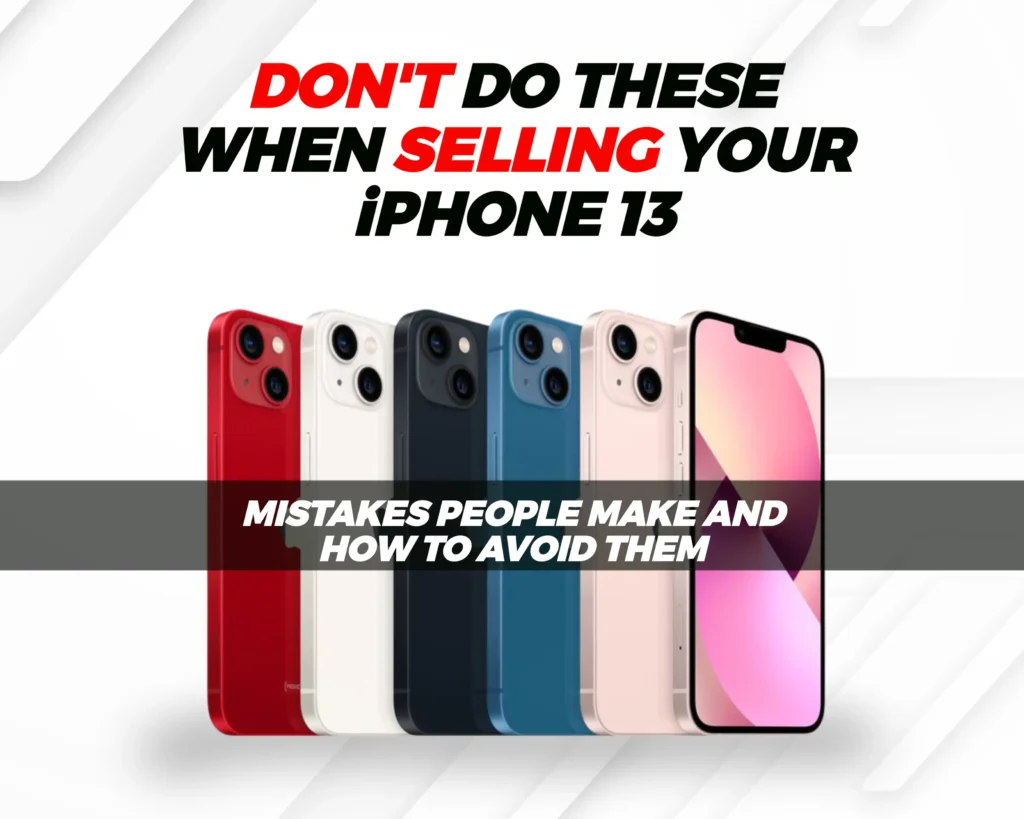
Common Mistakes To Avoid When Selling Your iPhone 13
Even experienced sellers slip up. Avoid these to keep your payout high and the process smooth:
- Settle unpaid balances with your carrier before selling, buyers can’t activate blacklisted phones.
- Be cautious of scams if you’re selling through social media or peer-to-peer marketplaces.
- Ship your device quickly once payment or confirmation is secured to avoid delays.
Read our comprehensive article on the most common but costly mistakes people make when selling iPhone online and how exactly to avoid them.
Selling Broken iPhone 13
Got a cracked screen, Face ID issue, or battery problem? Don’t worry, your iPhone 13 still has value.
At The Whiz Cells, we love broken iPhone 13s just as much as we love flawless ones. So we buy broken, cracked, or faulty iPhones and pay fair prices for their parts or refurbishing potential. Besides earning extra cash from selling your broken iPhone 13, you’re also doing the environment a favor by recycling your device responsibly rather than tossing it out.
How To Sell Broken iPhone 13 To The Whiz Cells
- Go to TheWhizCells.com.
- Search for your specific iPhone 13 model.
- Select your device details: carrier (network status), storage, condition, and whether or not the device is paid off. Make sure to indicate it’s damaged condition
- Receive your offer and click checkout.
- Follow the on-screen instructions.
Conclusion
The iPhone 13 is still a great phone, but if you’re thinking of moving on, now’s a good time to sell while it still holds strong value. Preparing your device properly and selling through a trusted platform like The Whiz Cells ensures you get the most money with zero hassle.

Ready to sell? Get an instant offer from The Whiz Cells today and sell your iPhone 13 for the most money.
FAQs On How To Sell iPhone 13 For The Most Cash
How much can I sell my iPhone 13 for?
- iPhone 13 (128GB): $278–$305
- iPhone 13 (256GB): $296–$339
- iPhone 13 (512GB): $374–$411
- iPhone 13 Pro (128GB): $330–$412
- iPhone 13 Pro (256GB): $363–$434
- iPhone 13 Pro (512GB): $418–$452
- iPhone 13 Pro Max (128GB): $427–$485
- iPhone 13 Pro Max (256GB): $461–$485
- iPhone 13 Pro Max (512GB): $485–$561
To get the most accurate value, get an instant quote from The Whiz Cells; it’s free and only takes a minute.
How can I sell my iPhone easily?
The easiest way to sell your iPhone 13 is through a trusted buyback platform like The Whiz Cells. You simply select your model, answer a few quick questions about its condition, get an instant offer, ship it for free, and get paid; often within 24 hours of inspection. No listings, no meetups, no hassles.
What to do when selling an iPhone 13?
Before selling, make sure to:
- Back up your data (iCloud or computer)
- Sign out of iCloud and Apple ID
- Factory reset your iPhone
- Unlock it if possible
- Clean it properly to make it look appealing
These steps help you protect your personal data and increase your iPhone’s resale value.
How to clear iPhone 13 for resale?
To completely clear your iPhone 13:
Go to Settings > General > Transfer or Reset iPhone > Erase All Content and Settings, then confirm and enter your Apple ID password.
This restores your phone to factory settings, wiping out all personal data and making it ready for the new owner.
Can I sell my iPhone 13 if it’s locked?
Yes, you can still sell a carrier-locked iPhone 13. However, unlocked devices usually sell for more because they can work on any network. If possible, check your carrier’s unlock policy, all will unlock your iPhone for free once it’s paid off. Otherwise, you can sell your locked iPhone 13 to The Whiz Cells.
What not to do when selling an iPhone?
Avoid these common mistakes:
- Forgetting to sign out of iCloud, which can trigger Activation Lock.
- Selling without backing up your data.
- Misrepresenting your phone’s condition (this causes payout delays).
- Ignoring carrier balances or blacklists, which can block activation for the next user.
What is the best place to sell your iPhone?
If you want the most money and the least hassle, The Whiz Cells is the best place for you to sell your iPhone. It’s fast, reliable, and pays you within 24 hours of receiving your device at higher prices than carriers or trade-in programs.
