
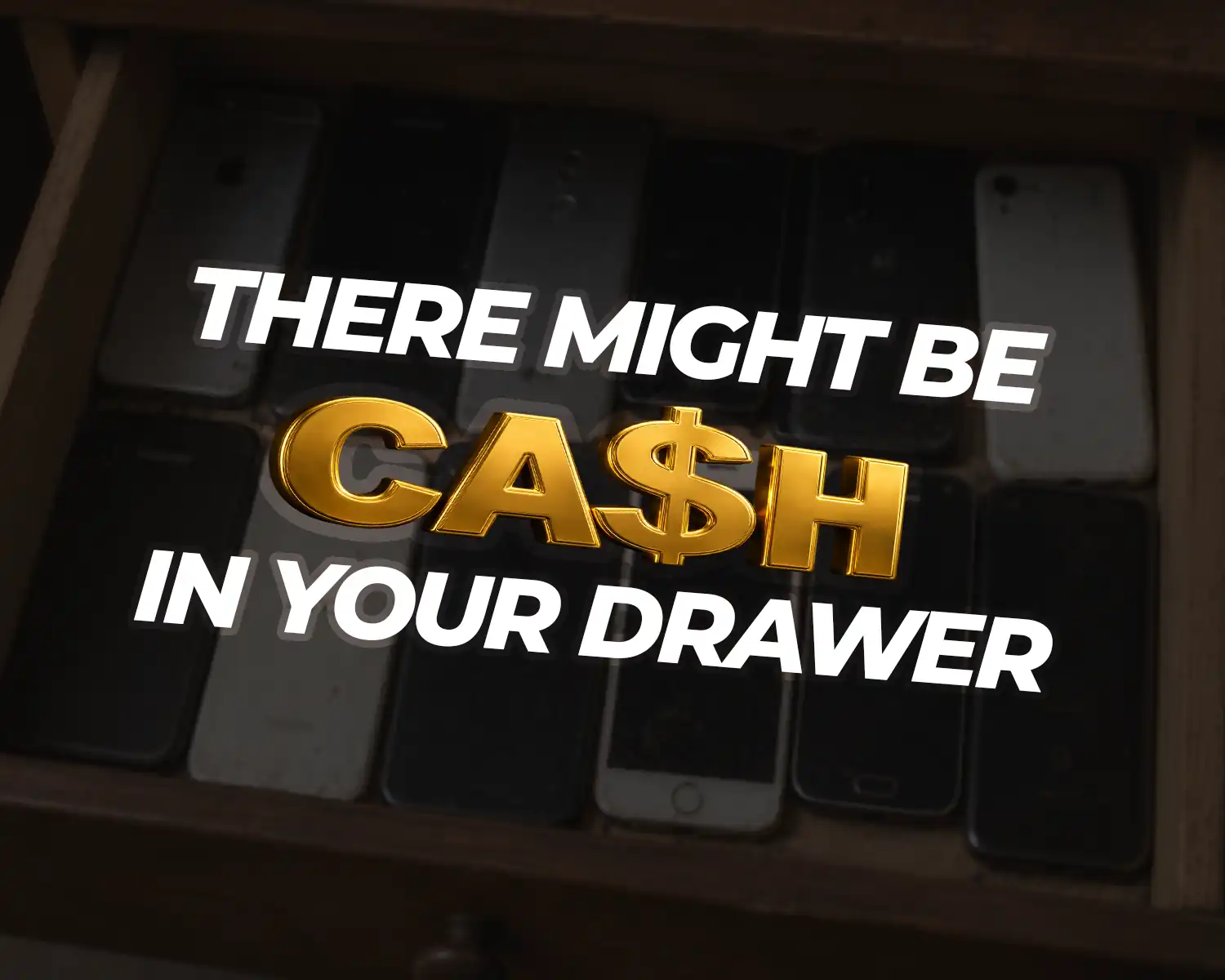
Every year, millions of parents sit on a hidden pile of cash without knowing it. It’s collecting dust in a kitchen drawer, probably with a dead battery. You’ve thought about selling it, but dealing with strangers online, figuring out shipping, or just not knowing where to start makes it easy to leave for another day.
Here’s the thing: it doesn’t have to be that complicated. This guide breaks the whole process down into simple, stress-free steps, designed specifically for busy moms who want to get the most money for their kid’s old phone without the usual headache.
How to Sell Your Kid’s Old Phone Easily: Step-By-Step
Step 1: Find Out What Phone You Have
Before you can sell the phone, you need to know exactly what it is. Buyers will need to know the specific model and accurate details about the device. Details, like storage, lock status, etc.
Fortunately, you don’t need to dig up the original box to find this. Just turn the phone on and look inside:
For iPhones: Go to Settings > General > About.
For Androids: Go to Settings > About Phone.
Knowing the exact details about the device is essential because it directly impacts how much money you can get for it.
Step 2: Check Its Condition Honestly
Kids can be tough on electronics. So it’s important to take a close look at the phone under good lighting and assess its condition. Are there deep or minor scratches on the screen, minor scuffs on the back, or is the battery dying halfway through the day?
Being completely honest about the phone’s condition right now will save you major headaches later. Here is a quick way to categorize it:
Excellent: The phone is essentially pristine. It’s fully functional, all original parts are intact, and the battery health sits above 85%. Fewer than 10% of devices qualify here, so if your kid used a case from day one and treated it carefully, you might be in luck.
Good: The phone works perfectly, and all original parts are intact. You might spot light scratches here and there, but the display is flawless and the battery health is still above 85%. This is where most well-cared-for devices land.
Cracked Glass: The phone is still fully functional with a battery above 80%, but it has visible cosmetic damage. Think frame dents, cracked glass, or deep scratches. The LCD works fine, and the software is untouched. If your kid dropped it a few times, this is likely where it falls.
Broken: The phone powers on and all parts are present, but something isn’t working right. That could be screen burn, a faulty charging port, a struggling battery, broken Face ID or fingerprint recognition, or modified software. As long as it powers on and there’s no water damage, it can still fetch a decent price.
Step 3: Back up and factory reset the phone
First, plug the phone into a charger, connect to Wi-Fi, and back up all the data.
For an iPhone, go to Settings > (Your Kid’s Name) > iCloud > iCloud Backup and tap Back Up Now.
For an Android, go to Settings > Google > Backup and hit Back Up. This copies everything safely to the cloud so it can be easily transferred to their new phone later.
Once the backup is complete, you need to clear the device. This is where most people make a critical mistake: you must log out of the Apple ID or Google Account before you erase anything. If you don’t log out first, the phone will trigger an anti-theft security lock. This means the buyer won’t be able to open the phone, causing disputes.
Here’s how to avoid this;
For iPhone:
Go to Settings, tap your kid’s name at the very top, and select Sign Out. You will need to enter the Apple ID password one last time to confirm. Once the account is removed, go back to Settings, tap General, then Transfer or Reset iPhone, and select Erase All Content and Settings. The phone will restart completely wiped, with all of your child’s personal information gone.
For Android:
Go to Settings, then navigate to System and tap Reset Options, or if you have a Samsung, go to General Management and tap Reset. Select Erase All Data and confirm by tapping Erase All Data again. You may be asked to enter your screen lock PIN before the reset begins. In just a few minutes, the phone will restart completely wiped, with all of your child’s personal information gone.
Step 4: Know What It’s Worth
Knowing what the device is worth is very important; too important to just guess or wing it. It’ll let you know what’s a fair offer, what’s a lowball offer, and also what’s a too-good-to-be-true offer from a scammer.
You can check your phone’s worth by simply going to TheWhizCells.com > Search for your specific device > Select details about the device > Receive a quote.
This is the most straightforward way to do it, but if that doesn’t work for you, this article on how to check your phone’s value covers other methods. Technology depreciates fast, so temper your expectations, but turning a drawer-filler into even $50–$150 is still a genuine win.
 Step 5: Pick the Right Selling Option
 Step 5: Pick the Right Selling Option
How and where you sell your kids’ old device is very important for three reasons:
-
It determines how much you get for the device.
-
It determines how smooth or stressful the process is.
- Added safety of your child’s data
The Whiz Cells (Best for Moms)
If you want a competitive payout without any of the usual hassle, The Whiz Cells is the easiest call. It’s an online buyback platform that pays some of the highest rates in the industry and handles everything remotely, so you never have to meet a stranger or step out of your house.
The numbers back it up. The Whiz Cells has paid out over $49 million to sellers since 2012, holds a 4-star Trustpilot rating with 290+ reviews, and is BBB accredited. Our 2026 buyback study also found that The Whiz Cells pays an average of 47% more than competing platforms. For a mom who wants top dollar without the runaround, that gap matters.
Here’s how it works:
-
Get an instant quote: Head to thewhizcells.com, select your phone model and condition, and get a cash offer on the spot. No guessing, no back and forth.
-
Ship for free: Accept the offer, and they send you a prepaid shipping label. Pack the phone, slap on the label, and drop it in the mail.
-
Get paid: Once the phone is received and inspected, your payment is released. You pick how you want it: PayPal, bank transfer, Visa card, gift card, or check. Payment is sent within one business day of your device’s arrival.
Your child’s data is also fully protected. The phone goes directly to a verified team, not a random stranger from the internet.
One thing worth knowing: once you get a quote from The Whiz Cells, that price is locked in for 20 days. So you don’t have to rush. Get your quote today, take your time sorting out packaging, and ship when you’re ready. The offer won’t change on you.
Peer-to-Peer Marketplaces
Selling directly to another person on platforms like Facebook Marketplace or eBay can sometimes get you the highest payout, since you set the price and cut out the middleman. But that upside comes with real trade-offs. You have to take photos, write a listing, field messages, haggle, and either deal with shipping or arrange a meetup with a stranger. For a busy mom, the time cost adds up fast, and the safety risk is genuine.
Carrier Trade-ins
Trading the phone in at your phone carrier is incredibly convenient, especially if you are already there buying a new device. The catch is that they typically offer the lowest value for your old phone. Additionally, they rarely give you actual cash; instead, the payment usually comes as store credit or a small discount on your monthly phone bill spread out over a couple of years.
What Matters Most to a Busy Mom?
When you’re balancing school runs, groceries, and work, the best option is simply the one that saves your sanity. If your top priority is getting the maximum amount of cash and you don’t mind spending your evening answering messages, haggling with buyers, and driving to a public parking lot to meet a stranger, marketplaces are worth the effort.
If you just want the phone gone instantly while upgrading at the store and don’t mind getting a lower value paid out in monthly bill credits rather than cash, go with your carrier.
But if you want the ultimate shortcut, where you get a highly competitive cash payout without the risk of strangers, the hassle of listing, or leaving your living room, an online buyback platform like The Whiz Cells is the easiest win for a busy schedule.
Step 6: Pack and Ship
Once you’ve accepted your offer, packing is straightforward. You don’t need anything fancy. Find a small sturdy box that fits the phone snugly, wrap the phone in a few layers of bubble wrap, and fill any empty space with scrunched newspaper, extra padding, or whatever you have on hand so the phone can’t shift around during transit. If the phone has a cracked screen or shattered back glass, add an extra layer of padding just to be safe.
If you’re selling to The Whiz Cells, once it’s packed, print the prepaid shipping label, attach it securely to the outside of the box, and drop it off at your nearest post office or mail collection point. You won’t pay a cent for postage. The label covers everything.
Step 7: Get Paid
Once your phone has been inspected, you choose how you want your money. The Whiz Cells pays via PayPal, bank transfer, Visa card, gift card, or check. Payment is released within one business day of your phone’s arrival, so you’re not sitting around waiting.
If you opted for a check, allow a few extra days for it to arrive in the mail. Either way, the process is straightforward, and there are no surprises.
Common Mistakes to Avoid
 To make sure everything goes smoothly, watch out for these frequent slip-ups:
-
Forgetting to sign out of iCloud or Google: This stalls the whole process because the buyer can’t access the phone.
-
Overestimating the condition: Be honest about those scratches so your quote doesn’t get downgraded later or disputes arise with marketplace buyers.
-
Waiting too long: Phones lose value every single month. The quicker you sell it, the more money you’ll make.
-
Choosing the wrong platform: Not all buyback platforms are equal. Some are lowball offers, others take weeks to pay. Picking a trusted, verified platform from the start saves you time, stress, and money.
What Other Moms Are Saying
Elda Torres came to The Whiz Cells after a family recommendation and sold her kids’ phones following an upgrade. Her verdict: “What a great experience. I was paid within the timeframe quoted and it was hassle free.
Conclusion
Selling your kid’s old phone doesn’t have to be another task that sits on your to-do list for six months. A few minutes to wipe the data, a box, and a prepaid label is all it takes.
The Whiz Cells makes the whole process straightforward: competitive payouts, free shipping, payment within one business day, and zero strangers at your door. Over $49 million paid out to sellers since 2012, and a process built around making this as easy as possible for people with better things to do.
Ready to turn that drawer clutter into cash? Get your free quote at The Whiz Cells. It takes less than two minutes.
