
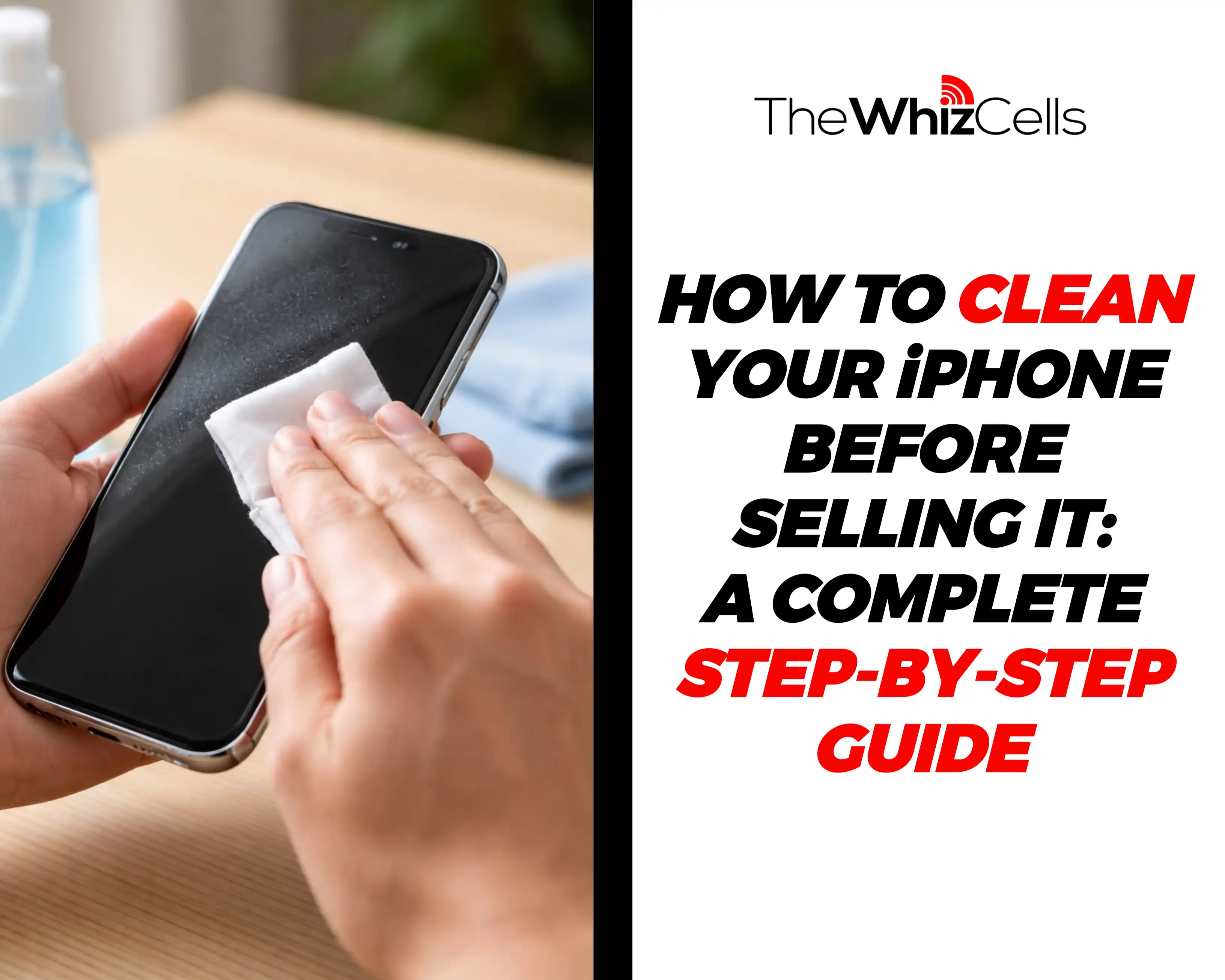
If you’re about to sell your iPhone, proper cleaning and preparation are essential. A clean, factory-reset iPhone builds buyer trust, sells faster, and can even increase your resale value.
In this guide, we’ll show you how to safely clean your iPhone inside and out so it’s ready for sale.
How To Your iPhone Properly
Step 1: Back Up and Remove All Personal Data
Now I know that this technically isn’t cleaning the iPhone, but then it is the most important step for you to take if you want to sell your iPhone. So just before you do so
Back up your iPhone (iCloud / iTunes):
To do this, all you have to do is access the iCloud Backup via Settings, tap on [Your Name], click on iCloud > iCloud Backup > Back Up Now for manual, or you could turn on “Back Up This iPhone” for automatic, ensuring you’re on Wi-Fi.
Once you have done this, sign out of iCloud, iMessage, and App Store:
After this, you will need to erase data from the iPhone.
Step 2: Gather the Right Cleaning Tools
Now that you have done the internal cleansing, let’s talk about all the tools that you will need for the physical cleaning. We highly recommend that you make use of a Microfiber cloth with 70% isopropyl alcohol wipes.
You will also need a soft-bristled brush or an anti-static brush. Have a toothpick or SIM ejector for cleaning ports. You could also get a UV phone sanitiser, but this is completely optional.
You should avoid making use of paper towels, bleach, window cleaners or putting compressed air directly into ports.
Now that you have your safe iPhone cleaning tools, let’s talk about how you can use them to clean your iPhone and get it ready for sale.
Step 3: Clean the iPhone Exterior Thoroughly
For the best results, you should start with the screen of the phone. This is one of the largest parts of the phone and the one we interact with the most. For this, use the microfiber clothing and the isopropyl alcohol to wipe the screen and wipe in a circular motion. This will help you to remove smudges, oils and fingerprints that might be on the screen.
You should switch over to alcohol wipes for stubborn stains that are tough to remove. Once you are done with the screen, move over to the back and the frame of the phone.
Cleaning the back and the frame.
For this part, you should focus on the corners of the phone, the button areas and the camera bump. A light alcohol wipe should be more than efficient in removing all stubborn grime.
When it comes to cleaning the camera, you should take extra caution to avoid scratching the camera. Foggy lenses can easily reduce the value of your phone and how much you can make from selling your iPhone. This step allows you to improve the camera’s clarity.
Step 4: Clean Ports and Speakers Safely
Now we move to the best way to clean the ports and the speakers of the iPhone. For the charging port, you should make use of a small pin or a wooden toothpick to help remove the things that might be clogging up the ports and speakers.
Ensure that you don’t blow air into the ports or the speakers in a bid to get these particles out. You risk putting moisture into your device, which could, in turn, cause damage to the iPhone. This can easily help you to remove lint from the iPhone port, and a simple clean can even help you to fix iPhone charging issues.
Speaker Grilles and Microphones
The speaker grilles are another part of your phone that can be kinda tricky to get around. To clean properly, brush the grilles lightly with a soft-bristle brush.
This will help you unclog the iPhone speaker and can improve the iPhone sound as well.
Avoid allowing liquids and moisture into the grilles. These can damage your iPhone speaker and reduce its value.
Step 5: Disinfect the iPhone Properly
Just to be clear, cleaning the phone and disinfecting your iPhone are two different things. Cleaning is to make it appear presentable and neat but disinfecting works on a deeper level to remove microorganisms and nasties.
Now that we got that out of the way let’s go into the best way to disinfect your iPhone safely.
To do this, utilise the 70% isopropyl alcohol or approved disinfecting wipes. These will remove all unseen and the best part is that they dry almost instantly.
While doing this, avoid having excessive moisture around ports so as not to damage the phone any further.
Step 6: Remove Cases, Stickers & Accessories
If you are anything like me then you probably have a fancy case or stickers on your device to make it more personal and feel more like your own.
If that’s your case then you will need to get those removed when you are about to sell your iPhone.
My advice is for you to remove the phone case and clean it separately. You should be sure to remove all dirt and grim that may be under the case as well.
If your screen protector is cracked then you should have that removed and the screen cleaned as well. This will help you prepare your iPhone for sale.
Step 7: Polish and Restore Shine (Optional but Boosts Value)
This last part is completely optional, but they are bonus tip that can help increase the value of your iPhone. Think of these as the icing on the cake.
The first would have to be the application of screen-safe polish. Notable brands and types that you could consider using are Kits with cerium oxide which can gently polish out small scratches on glass. Mirka Remint or mild abrasives, Novus 7100 or even DIY baking soda paste can do the trick on micro-scratches, but professional tools or screen protectors are safer for serious damage
A proper cleaning can give your phone that brand new look again.
Step 8: Clean or Replace Accessories
This part is relatively easy. Take your time to clean the charging cable and the case of the iPhone. If you feel it’s too damaged then you should probably replace it to make your iPhone package look new.
You should also wipe down your iPhone package so it looks premium and set for sale. Your microfiber cloth would do here or just a soft cloth with your 70% isopropyl alcohol.
Final Tips to Boost Resale Value
For those of you who stayed until the end of the article, here are a few bonus tips that can help you increase how much you can make out of selling your iPhone.
Use proper words like “clean”, “fairly used”, “factory reset” and so on if you want to draw attention
Also, try and offer your accessories with the purchase of the phone to secure a fine deal.
How To Sell Your Used iPhone Quickly and For The Most Money
If you’re thinking “where can I sell my iPhone quickly and for top dollar”, then The Whiz Cells is the best place for you.
Selling your iPhone to The Whiz Cells, takes less than 2 mins and payment is processed within 24 hours of your device being received! All this while still getting the most money for your iPhone.
 How To Sell Your iPhone To The Whiz Cells
 How To Sell Your iPhone To The Whiz Cells
- Go to TheWhizCells.com.
- Search for your device.
- Select your device details: carrier (network status), storage, condition, and whether or not the device is paid off.
- Receive your offer and click checkout.
- Follow the on-screen instructions.
Check out our reviews!
Conclusion
Preparing your iPhone the right way makes selling easier and more profitable. By following these steps, you protect your data, improve your phone’s appearance, and increase your chances of a quick, successful sale.
